
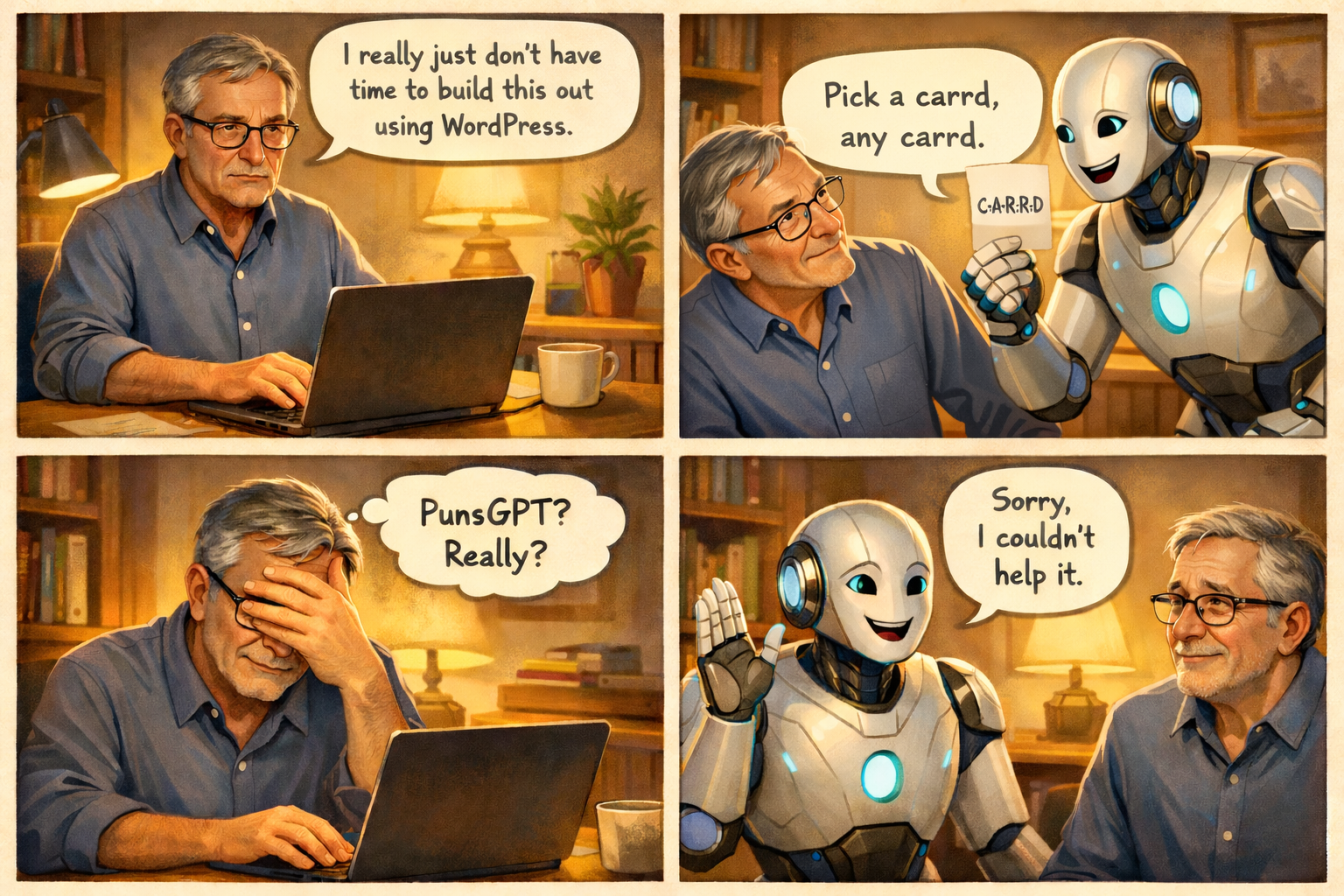
If you're just beginning to build an online presence, you may face this question early:
Do you need to learn WordPress?
The short answer is no.
There are several viable alternatives. In a previous article, I explained why I chose WordPress for many of my projects. However, like many beginners, I have found that it is not always the best choice for every situation.
Why WordPress Is Not Always the Best Fit
WordPress offers a high degree of control and flexibility.
- You can build a wide range of sites, including blogs, landing pages, membership platforms, and tools
- You can choose your own hosting provider
- You retain the ability to move your site if needed
However, that flexibility comes with responsibility.
- You are responsible for security, either directly or through plugins
- You must manage updates
- You may need to address performance issues or technical inconsistencies
In practical terms, using WordPress is similar to owning a home. It provides flexibility and control, but it also requires ongoing maintenance.
For many projects, that trade-off is worthwhile. At the same time, there are situations where a faster and simpler approach is more appropriate.
Not everyone has the time or interest to learn WordPress at the outset.
An Alternative Approach: Carrd
Carrd is a platform designed for simplicity and speed, while still offering a useful set of features.
It allows you to create and publish sites quickly, often within a single session.
Key Characteristics
- A large library of templates, providing a starting point for most use cases
- A straightforward builder that can be learned in a short amount of time
- The ability to launch pages quickly without extensive setup
For those who prefer to start from scratch, the builder still offers enough flexibility for basic customization without introducing significant complexity.
Pricing Structure
Carrd uses a freemium model, allowing you to begin at no cost and upgrade as needed.
- $9 per year: up to 3 sites with basic features
- $19 per year: up to 10 sites with additional features
- $49 per year: up to 25 sites with full functionality
Features Available with Carrd Pro
- Custom domain support
- Multiple site creation
- Form handling for email capture and integrations
- Embedding options for external tools and media
- Removal of platform branding
- Analytics integration
- Expanded support for images and video
- Password protection
These features are sufficient for lead generation pages, presell pages, and simple marketing funnels.
Understanding the “One-Page Site” Model
Carrd is often associated with one-page websites, but it offers more flexibility than that description suggests.
You can structure content in several ways:
- Use sections to simulate multiple pages
- Create smooth scrolling navigation
- Design multi-step experiences within a single page
In some cases, a well-structured single-page site can be as effective as, or more effective than, a traditional multi-page site.
Security Considerations
Security is an important factor, particularly for beginners.
With Carrd, most security concerns are handled at the platform level:
- SSL (HTTPS) is provided automatically
- Infrastructure security is managed by the provider
- No plugins are required
- No database layer is exposed
With WordPress, security is more hands-on:
- Plugins can introduce vulnerabilities if not maintained
- Regular updates are necessary
- Security depends partly on user configuration
This difference can be significant for those who prefer a lower-maintenance environment.
Management and Deployment
Carrd provides a centralized dashboard for managing all sites.
- Sites can be created, edited, and duplicated easily
- New pages can be deployed quickly
This makes it particularly useful for:
- Testing new ideas
- Running small campaigns
- Launching pages without delay
Choosing the Right Platform
Carrd may be the better option if your priorities include:
- Speed and simplicity
- Minimal technical overhead
- Rapid deployment
- Clean, focused landing pages
WordPress may be the better option if you need:
- Full control over your site
- A content-focused platform such as a blog
- Advanced customization
- A foundation for long-term growth
Current Perspective
These platforms do not need to be viewed as mutually exclusive.
In practice, both can be useful:
- Carrd is well suited for fast deployment and testing
- WordPress is better suited for long-term infrastructure
For those who are just starting, Carrd can provide a practical way to begin while gradually learning WordPress over time.
A simple approach is to start with a solution that allows you to move forward without unnecessary complexity, and expand as your needs evolve.
Quick Comparison: Carrd vs. WordPress
| Feature | Carrd | WordPress |
|---|---|---|
| Ease of Use | Very beginner-friendly | Moderate learning curve |
| Setup Time | Minutes | Hours to days |
| Cost | $0–$49/year | Hosting + plugins (varies) |
| Design Flexibility | Good (templates + simple builder) | Extremely flexible |
| Best For | Landing pages, quick sites, funnels | Blogs, full websites, long-term projects |
| Security | Handled for you | Your responsibility |
| Maintenance | None | Ongoing (updates, backups, fixes) |
| Speed to Launch | Very fast | Slower |
| Scalability | Limited | Very high |
| Ownership & Control | Platform-based | Full control |